




lesson 3.9.2 network hardware
Understanding the Roles of NICs, Hubs, Switches, Routers, and WAPs.

Ever wondered what's actually happening inside the walls of the school to make the internet work? It isn't just magic! Today, you become Network Architects. You'll get hands-on with the physical "kit" that builds the web, from the cables that carry your data to the routers that act like the world's fastest post offices. Whether you want to be a Cyber Security Analyst protecting big banks or a Cloud Engineer keeping Netflix running, understanding this hardware is your first step to ruling the digital world!
Learning Outcomes
The Building Blocks (Factual Knowledge)
The Connections and Theories (Conceptual Knowledge)
The Skills and Methods (Procedural Outcomes)
Recall the names and primary functions of essential network hardware including NICs, Hubs, Switches, and Routers.
Describe the physical properties of different transmission media such as Ethernet (Copper), Fibre Optic, and Wi-Fi (Radio waves).
Analyse the specific hardware requirements for different network scales to ensure efficient data transmission.
The Connections and Theories (Conceptual Knowledge)
Recall that every networked device has a unique MAC address assigned to its Network Interface Controller.
Describe how a switch uses MAC addresses to direct data packets to the correct destination device.
Evaluate the strengths and weaknesses of different hardware choices using a SWOT analysis framework.
The Skills and Methods (Procedural Outcomes)
Apply knowledge of hardware to design a network layout for a specific client brief.
Analyse a given scenario to identify the most cost-effective and reliable hardware configuration.
Create a professional-standard network specification including a SWOT analysis for a potential installation.
Digital Skill Focus: I can use presentation software to model complex technical systems and evaluate their effectiveness using structured analysis tools.
Network City
Think of a computer network like a city: the computers are the buildings, but you still need the roads, junctions, and transport to get anything moving.

A Computer Network is like a city.
The Physical Web: Network Hardware
To build a network, we need more than just computers; we need the Physical Infrastructure.
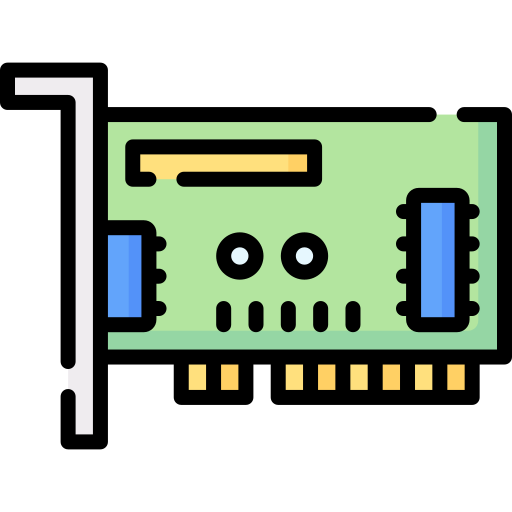
This is the front door between your computer and the network through which all the data going out and all the data coming in must pass. Every device must have one to connect to a network but often it's built into the computer rather than being a separate device. Inside, it contains a MAC (Media Access Control) Address which is a unique ID "burnt" into the hardware and identifies the device on the network.
Transmission Media
These are the transport links between your computer and other devices. There are a few options commonly in use today.
 Ethernet (Copper): The A-Road. The most common way to get connected. It uses twisted copper wires to send data as electrical pulses. While it is cheap, easy to install, and very reliable for short distances like a classroom or office, the signal starts to weaken if the cable is longer than 100 metres.
 Optical Fibre: The super-highway. It uses incredibly thin strands of glass or plastic to transmit data as pulses of light. Because light travels so fast and doesn't suffer from electrical interference, it can carry massive amounts of data over huge distances - like connecting different cities or even continents under the ocean! They are also used to connect one art of a network to another over longer distances.
 Wi-Fi: Helping our data to fly without wings. This technology provides a "wireless" (i.e. without a wire) connection using high-frequency radio waves to transmit data through the air. It offers amazing freedom for mobile devices like tablets and smartphones, but the signal is easily weakened by thick walls, large metal objects, or even interference from other electronics like microwaves!
These are the transport links between your computer and other devices. There are a few options commonly in use today.
Directing the Traffic
So the NIC allows my computer to connect to the network and then either Ethernet, Optical Fibre or WiFi allows it to send and receive data but what controls the flow of traffic along these roads?
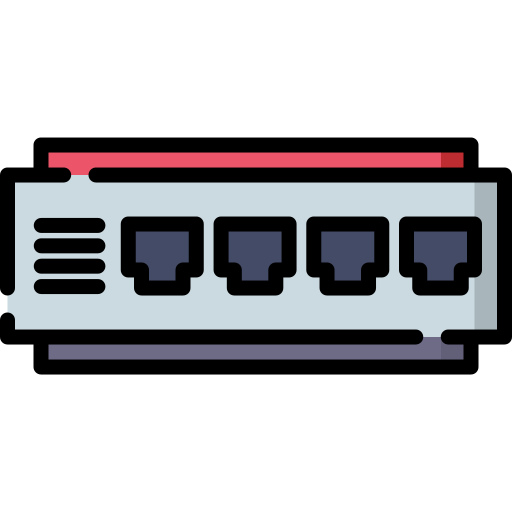
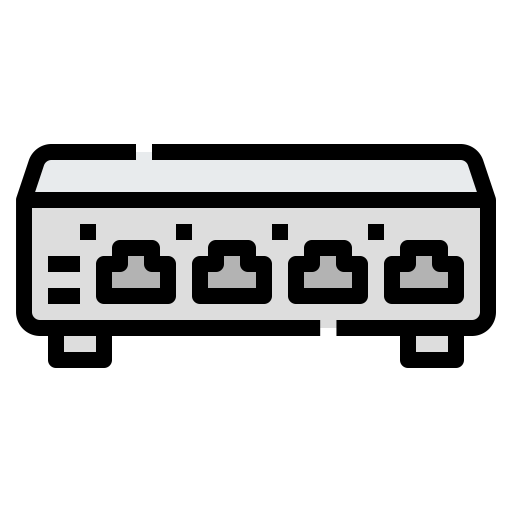
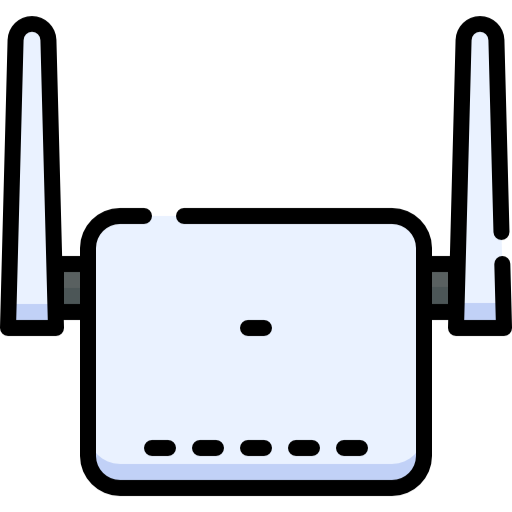
Often the router, switch and WAP are combined in a "Wireless Router Switch" which is most likely what you have at home.
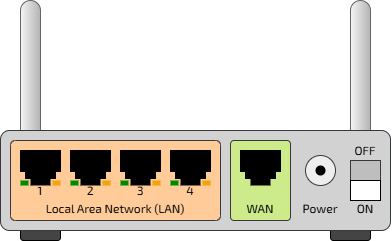
A Wireless Router Switch
Evaluating Hardware: The SWOT Analysis
When a Network Engineer is asked to design a network, they don't just buy the most expensive kit. They have to think about the Client Brief. We use a SWOT Analysis to make smart decisions:
Strengths
What is great about this hardware?
What is great about this hardware?
Weaknesses
What are the downsides?
What are the downsides?
Opportunities
How could this help the organisation grow?
How could this help the organisation grow?
Threats
What could go wrong?
What could go wrong?
"Fibre is super fast"
"Fibre is very expensive to install"
"WAPs allow us to give every student a tablet"
"Wi-Fi signals can be hacked from the car park"

Task Design the Digital Library
The School Librarian is fed up! He is troubled by the lack of 'digital access' that the library has because it's restricted to 5 old stand-alone PCs each with it's own printer and none of them able to get access to the internet. Time for an upgrade!
1
Get Organised!
Open the Presentation Template. You are going to create a "Proposal Slide" for the Librarian, but first, you are going to have to do some research.
2
Research
The template has slides for the following hardware:
Network Interface Card (NIC)
Network Hub
Network Switch
Network Router
Wireless Access Point
Cat6 Ethernet Cable
Fibre Optic Cable
1
On each slide, use the Insert > Picture > Online Pictures tool in PowerPoint to insert a suitable image.
2
Use 'AI Mode' on Google (other search engines are available) to find a short, suitable description of the role the hardware performs using the following prompt template:
Act as a Computer Science teacher. Provide a one-sentence description (30 words max), strengths (10 words max), weaknesses (10 words max), opportunities (10 words max) and threats (10 words) (SWOT Analysis) of a [INSERT NETWORK DEVICE HERE] using a simple analogy for a 12-year-old subject to the following constraints:
- Tone: Friendly but authoritative.
- Output: Provide the description only.
- Behaviour: No intro, no outro, no alternative hardware, and no follow-up questions.
3
The SWOT Analysis
To help you get started, here is a SWOT analysis for a "Wireless Access Point". Copy these statements into the correct boxes on the WAP slide.
S: No cables, pupils can sit anywhere.
W: Speed drops if too many people connect.
O: We can hold outdoor lessons near the library.
T: People outside the building might try to join.
Now it's your turn to complete the SWOT analysis for the the other hardware items.
4
Make your proposal
On the last slide, there is a space for you to write your suggestions for how the librarian should proceed with the network refresh. Make it convincing!
Outcome: A professional network proposal slide with an image, technical description, and a completed SWOT analysis.


Out of Lesson Learning


Last modified: February 26th, 2026

















